

View more
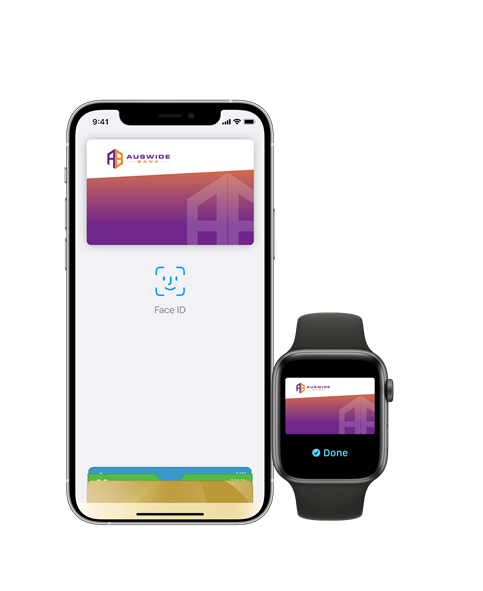
How to Add

iPhone
- Open the Wallet app on your iPhone
- Tap the ‘+’ sign in the top right hand corner
- Use your camera to scan the card, or manually enter the details
Apple Watch
- Open the Watch app on your iPhone and tap ‘Wallet & Apple Pay’
- Tap "Add Credit or Debit Card"
- Follow the steps on the screen to add your card
Check out these helpful videos
How to add a card
How to pay in store with Face ID
How to pay in store with Touch ID
Have some questions?
We’re here to help.